Services
Services
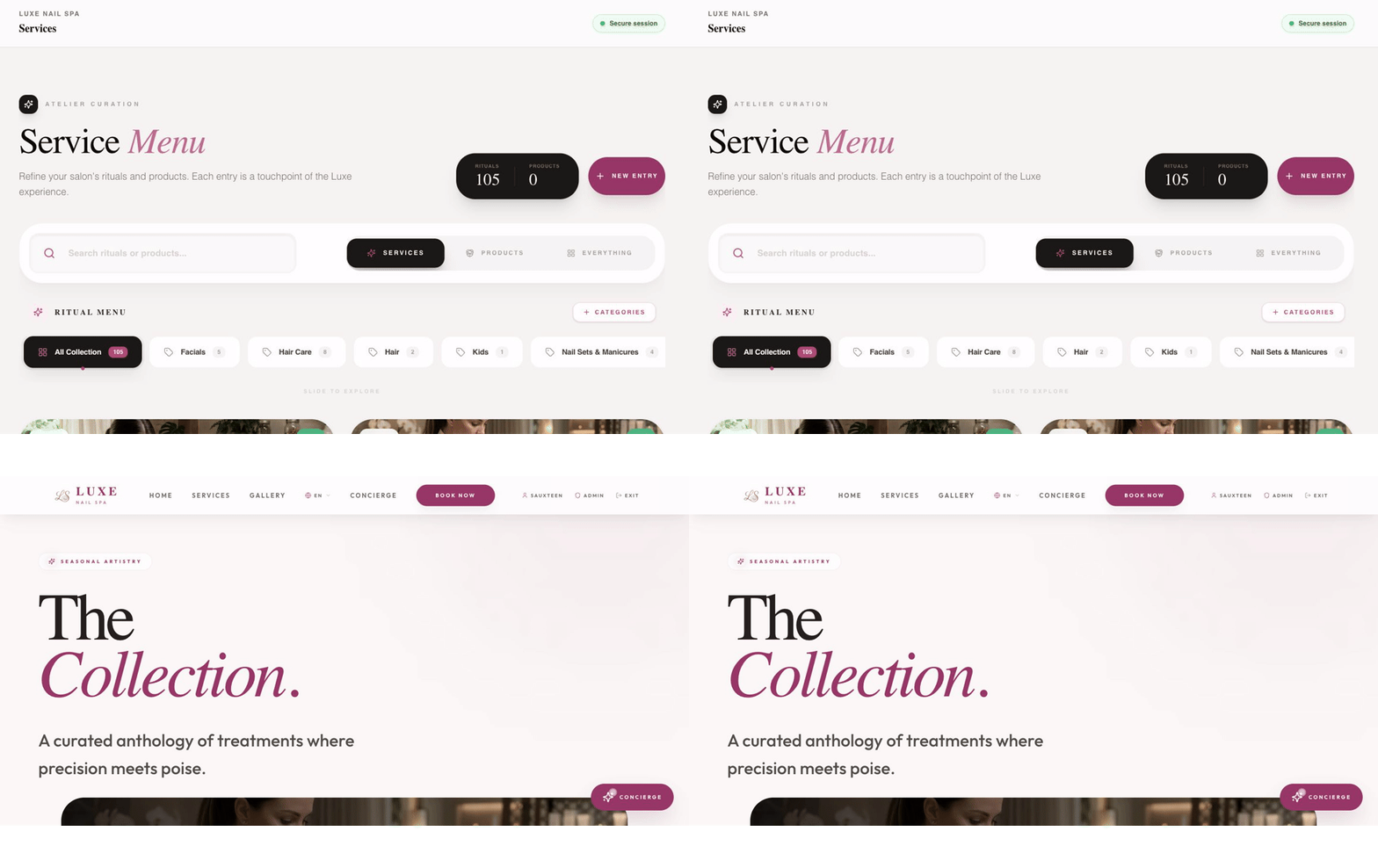
Section titled “Services”Open Services. This is the catalogue shown on the public services page and used by the booking flow.
Add a category or service
Section titled “Add a category or service”- Create or select a category.
- Add the service name, description, price, and duration.
- Assign the providers who perform it.
- Choose whether it is published or hidden.
- Save, then preview the public service and booking pages.
Edit safely
Section titled “Edit safely”- Change a price or duration only after confirming the client’s current offer.
- Hide a service that may return later instead of deleting it.
- If a service is not bookable, check its visibility, provider assignment, duration, and business hours.
- Use the menu preview when available before publishing.