Gallery and site content
Gallery and site content
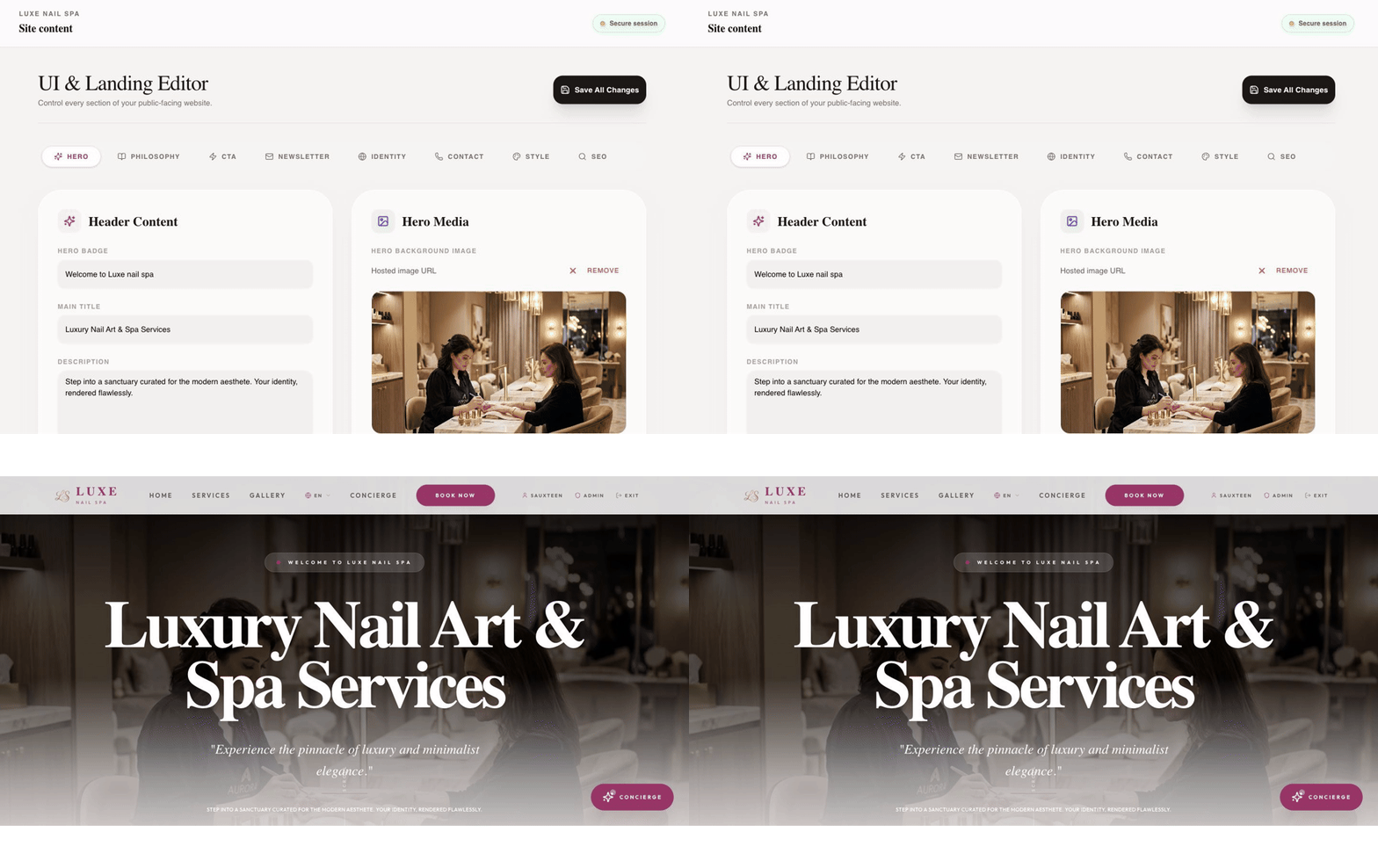
Section titled “Gallery and site content”The Gallery and Site content pages control the public presentation of the business.
Gallery
Section titled “Gallery”- Open Gallery.
- Add a hosted image and provide a useful title or description.
- Keep only approved, high-quality images visible.
- Hide or remove outdated work deliberately, then check the public gallery.
Landing-page content
Section titled “Landing-page content”- Open Site content.
- Use the tabs for hero, philosophy, CTA, newsletter, identity, contact, style, and SEO content.
- Edit one section, save, and preview the customer home page.
- Check mobile layout and links before announcing the change.
Images and copy are customer-facing as soon as the application saves and publishes them. Keep a short record of approved copy and image sources for the client.